To purchase a Japan Travel eSIM from Genki Mobile, start by visiting our homepage at www.genkimobile.com. When the page loads, you will see the main homepage layout.

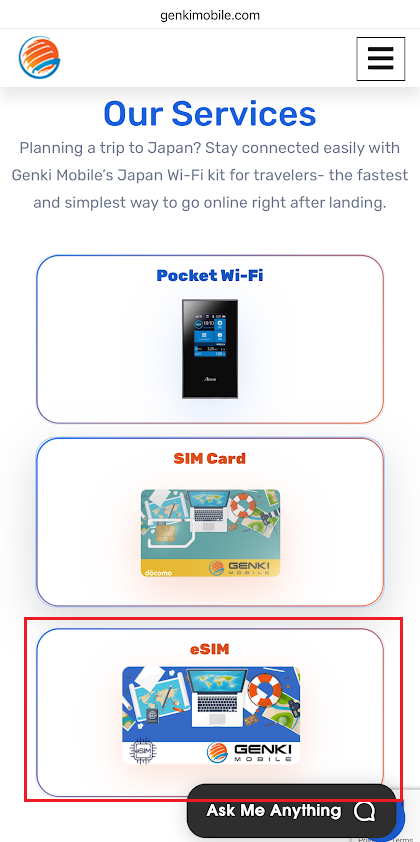
Scroll down slightly to view Genki Mobile’s available services. From the service options, click on eSIM.
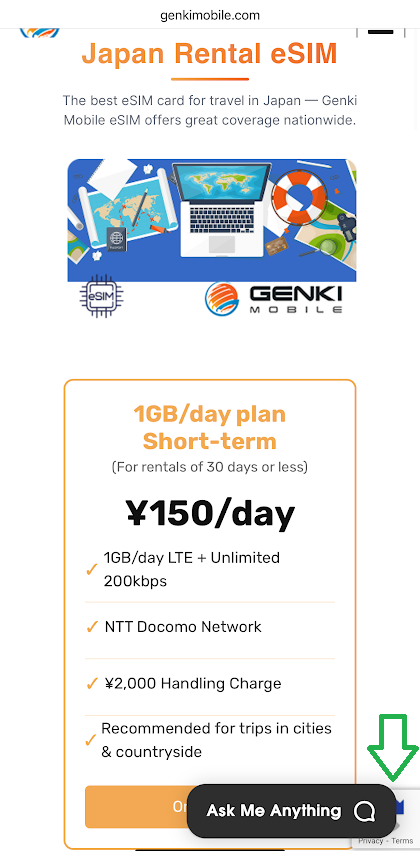
You will be taken to the eSIM detail page, where you can review information about Genki Mobile’s prepaid Travel eSIM for travelers arriving in Japan. This page explains coverage, usage, and available plans. Scroll down to view the different eSIM plans.
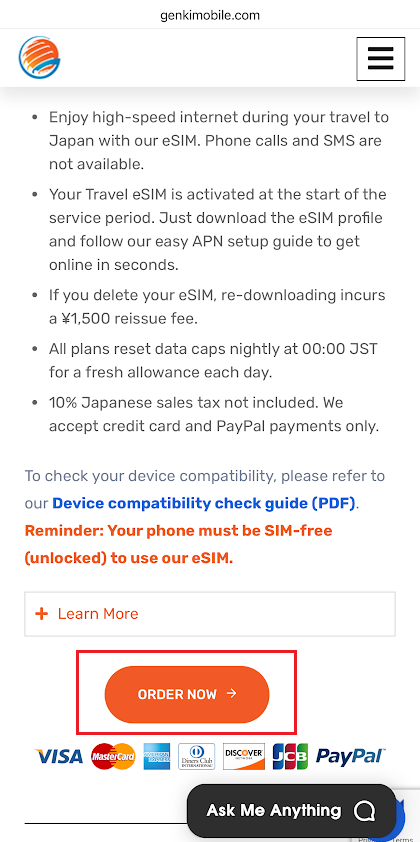
After reviewing the eSIM information, click the Order Now button located below the plan details.
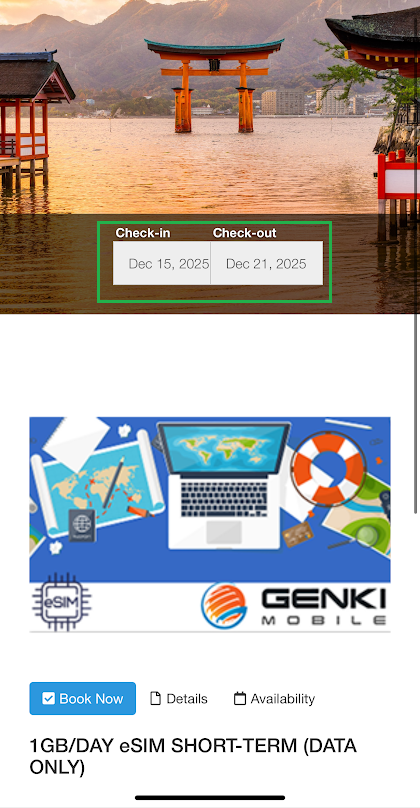
You will then be directed to the eSIM product page. Here, you can select your check-in and check-out dates, which usually match your arrival and departure dates in Japan. Scroll down to view the available eSIM plans, including the 1GB per day plan with both short-term and long-term options.
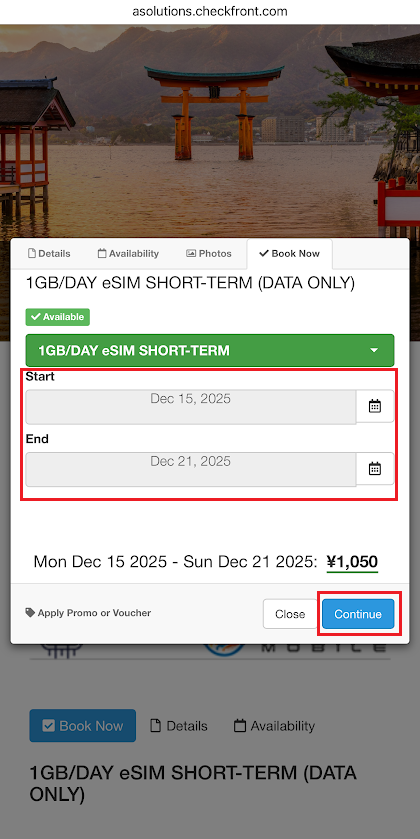
A pop-up window will appear, allowing you to confirm or adjust your rental dates. Click Continue to proceed to the checkout page.
Genki Mobile’s Travel eSIM is suitable for travelers in a hurry or last-minute orders, as it supports same-day activation, allowing you to connect soon after landing in Japan.
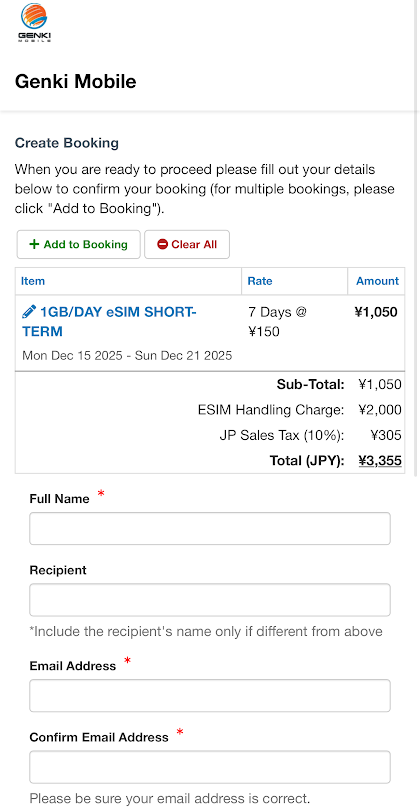
Once you click Continue, you will be taken to the checkout page. Here, you enter your payment details and complete the order.
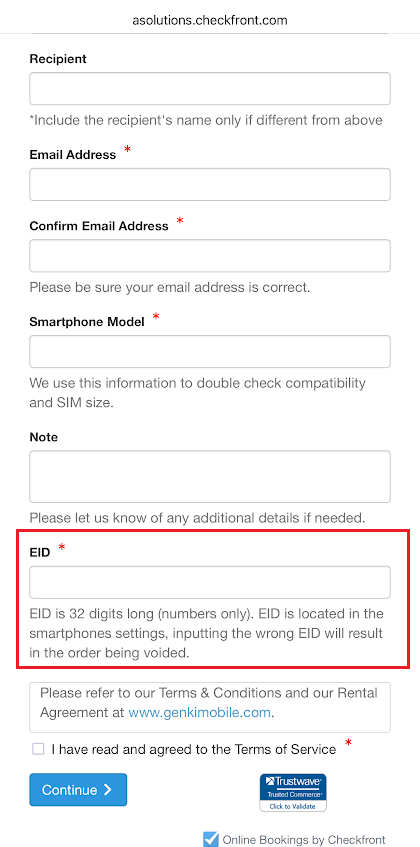
During checkout, you will be asked to enter your device’s EID, a unique 32-digit number specific to each device. Please ensure the EID is entered correctly, as incorrect EID information may result in the order being voided.
You can find the EID check guides here: