To order a Travel SIM from Genki Mobile, start by visiting www.genkimobile.com
When the page loads, you will see the main homepage layout.

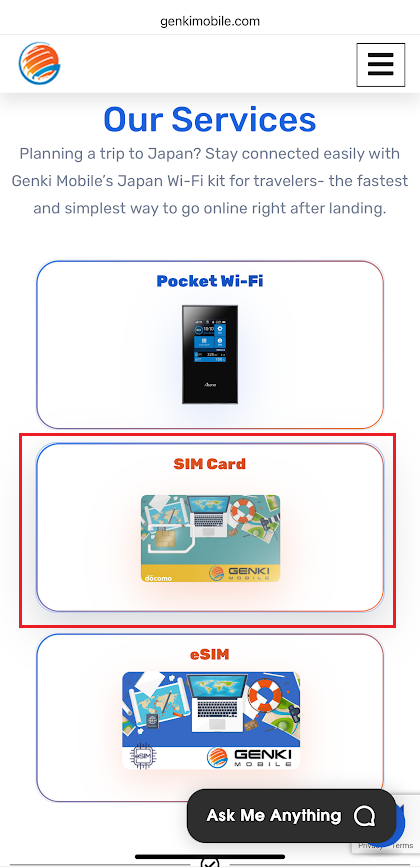
Scroll down to view our services, then click SIM card.
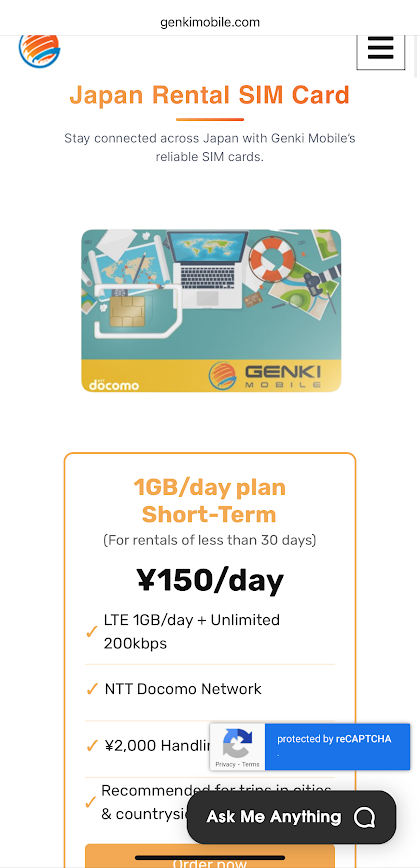
You will be taken to the SIM card detail page, where you can review information about Genki Mobile’s prepaid SIM card service for travelers arriving in Japan. This page explains coverage, usage, and plan options. You can scroll horizontally in the blue plan section to view different Pocket Wi-Fi plans. Scroll down to learn more about Genki Mobile’s rental travel SIM card for travelers in Japan.
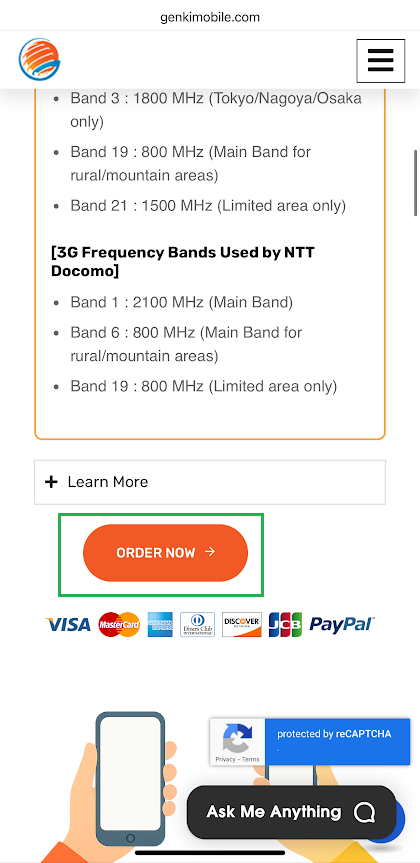
If you scroll down a little bit, you can also see the 3G/LTE Frequency bands compatible with Docomo. Please click the order now button below the table once you are done exploring about the travel SIM.
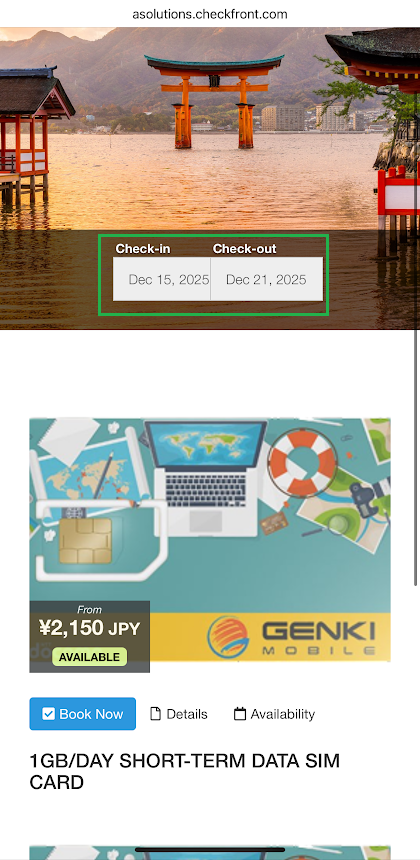
You will then be directed to the Pocket Wi-Fi product page. Here, you can select your check-in and check-out dates, which usually match your arrival and departure dates in Japan. Scroll down to view the available Pocket Wi-Fi plans. You can choose between 1GB per day service with short-term and long-term rental options.
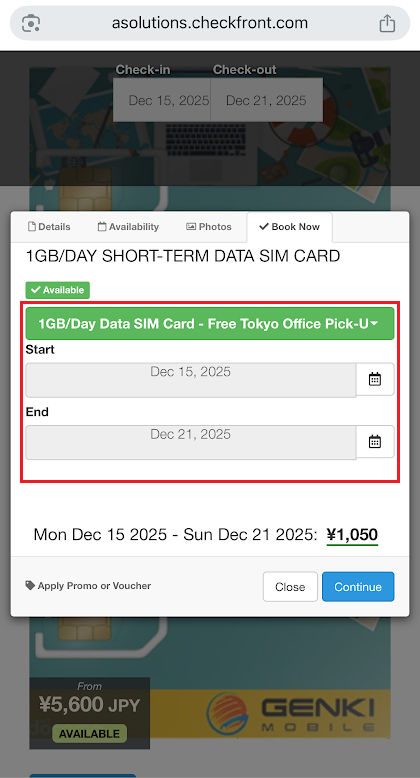
Once you choose your plan, a pop-up window will appear, allowing you to confirm or readjust your rental dates. Open the green dropdown menu to select your delivery or pickup method.
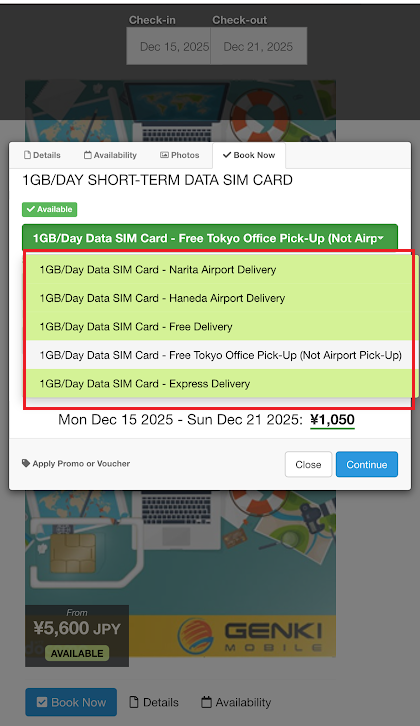
In the dropdown, you can choose airport pickup at Narita or Haneda, so your SIM is ready for pickup right after you land. You can also choose delivery to a hotel, Airbnb, or another address in Japan, or pick up from our office in Tokyo.
For travelers in a hurry, same-day delivery within Tokyo’s 23 wards is available on weekdays for an additional fee if the order is placed before 14:00 Japan time. (Same-day airport delivery is not available.)
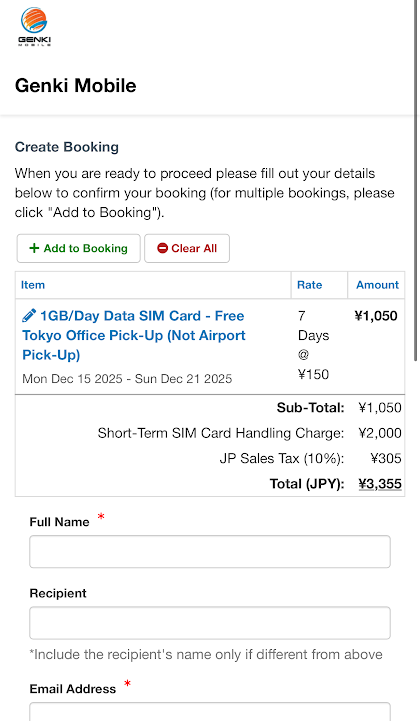
After clicking Continue, you’ll go to checkout to enter your details and complete payment. Once the order is confirmed, we prepare your Travel SIM based on your selected pickup or delivery option.